Asks before it records會議一開始就問你要不要錄
When a browser meeting such as Google Meet or Teams starts using the mic, or a Slack huddle begins, MeetRec offers to record. Nothing to remember to press.瀏覽器裡的 Google Meet、Teams 等會議開始用麥克風,或 Slack huddle 開始時,MeetRec 會問你要不要錄,不用記得按。
You and them, on separate channels你和對方分開收音
Your microphone goes on the left channel, everyone else on the right, so your own voice is never lost in the mix.你的麥克風在左聲道,其他人在右聲道,自己的聲音不會被蓋掉。
On your Mac, or in the cloud if you want在 Mac 上轉錄,也可以選雲端
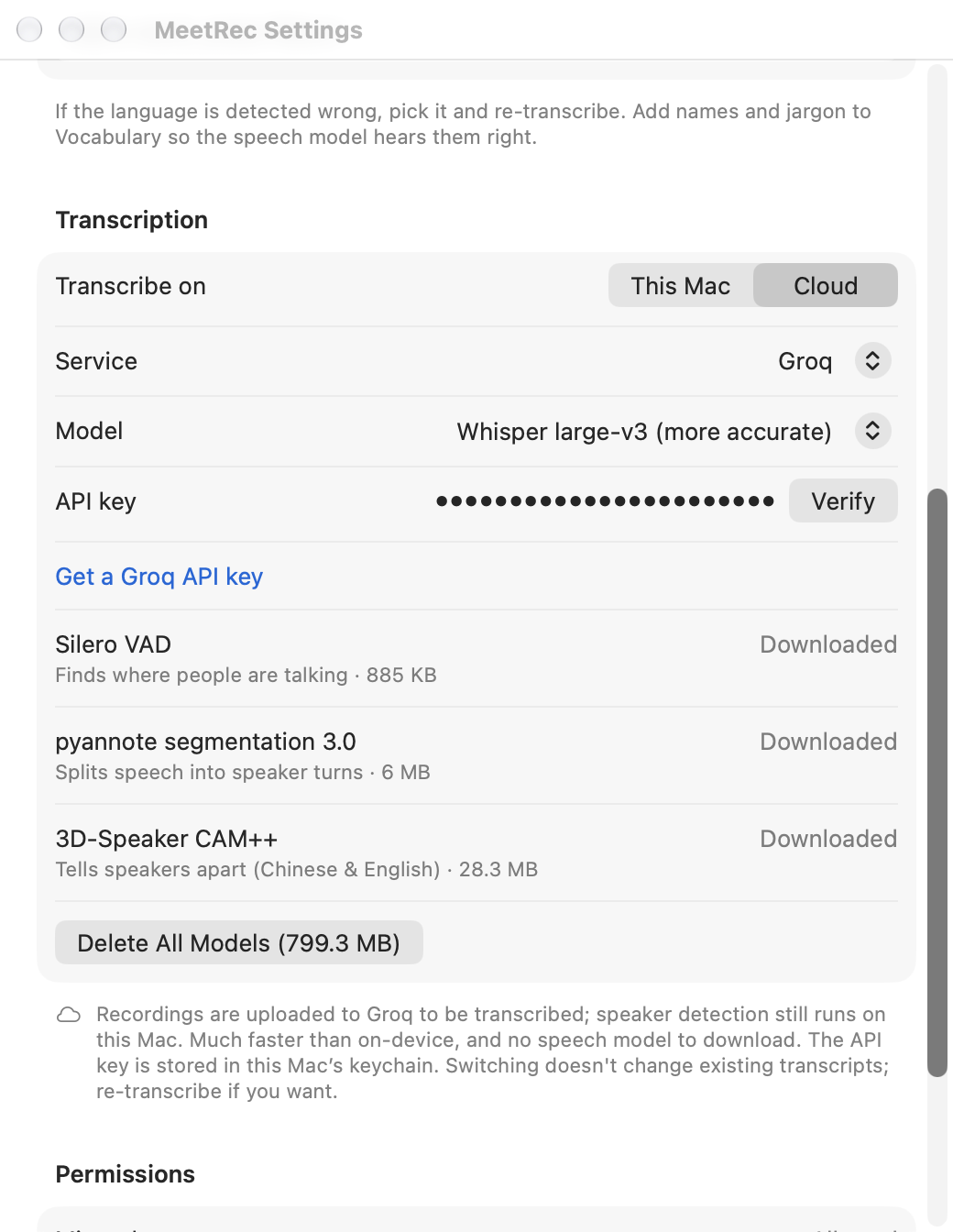
Transcription runs on your Mac with Whisper by default. For speed, switch to cloud transcription with your own Groq or OpenAI key; speaker detection still stays on your Mac.預設在 Mac 上用 Whisper 轉錄。想快一點,可以填自己的 Groq 或 OpenAI 金鑰改用雲端轉錄,說話者辨識仍在本機。
Fix it, then take it with you改好再帶走
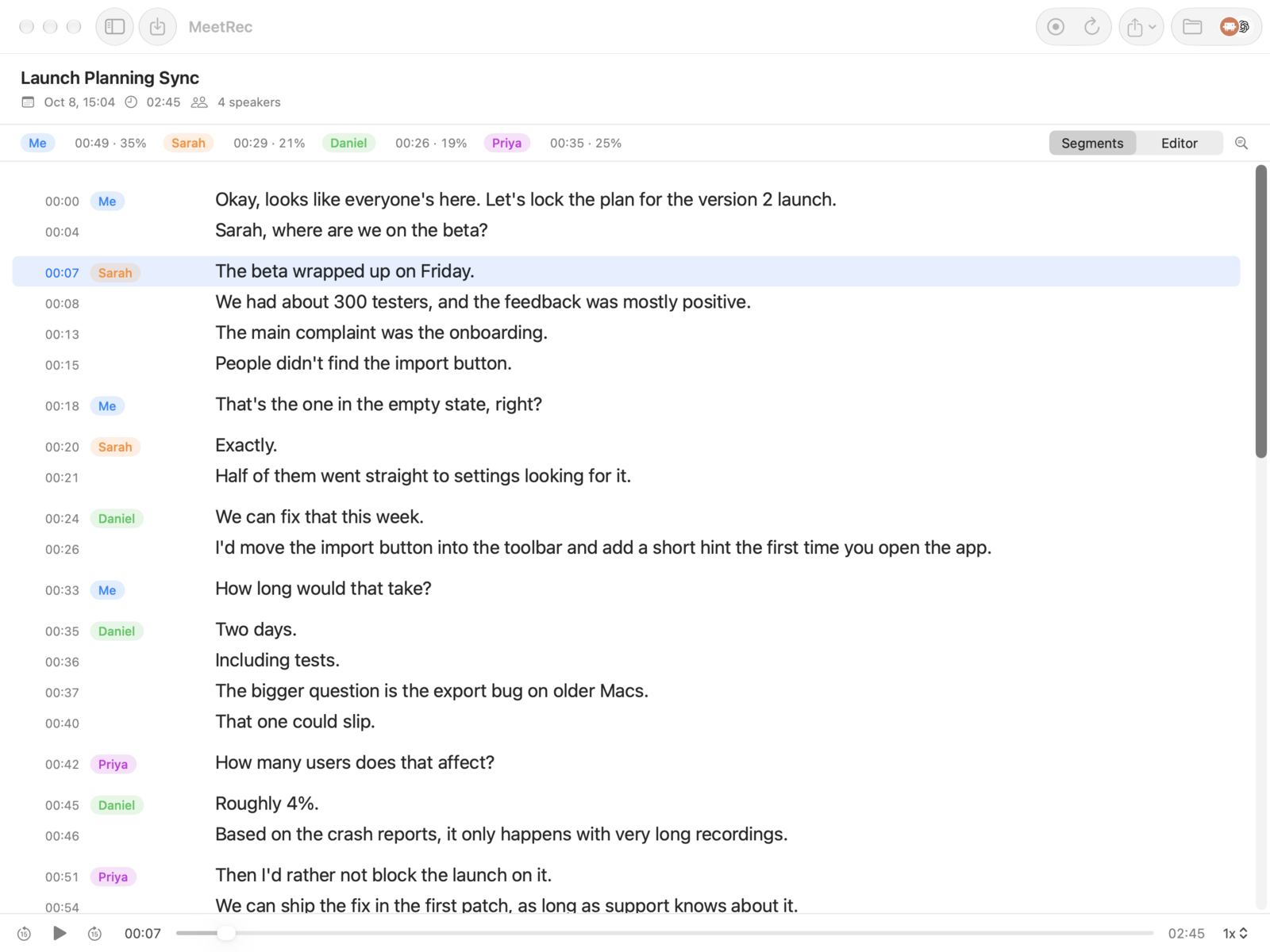
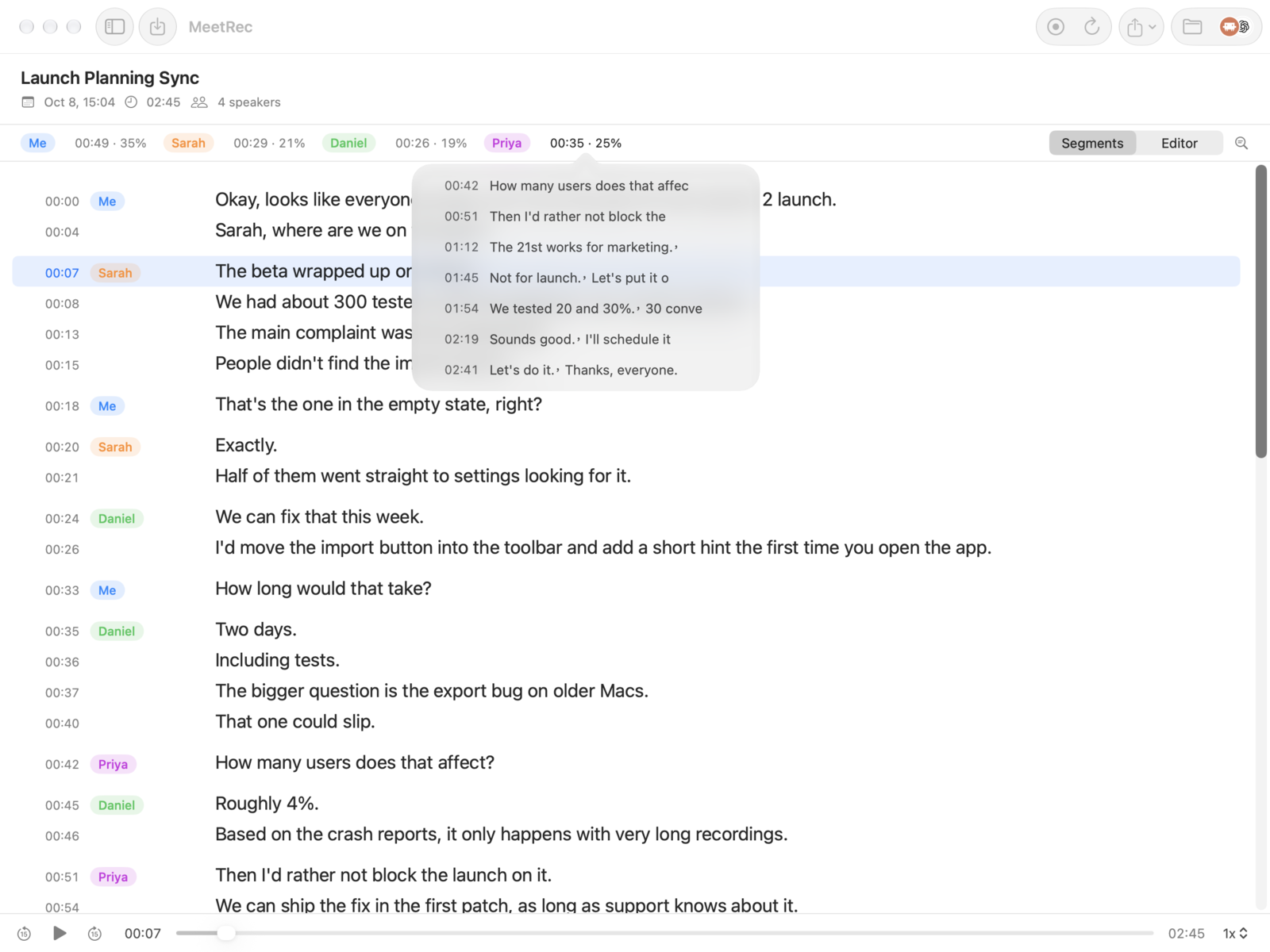
Edit text in place, rename speakers, replace all, and export to SRT or TXT.直接改字、改說話者名字、全部取代,匯出 SRT 或 TXT。
Teach it your words教它認得你的用詞
Add names and jargon to Vocabulary so the speech model hears them right.把人名和專有名詞加進「常用詞」,語音模型就比較聽得懂。

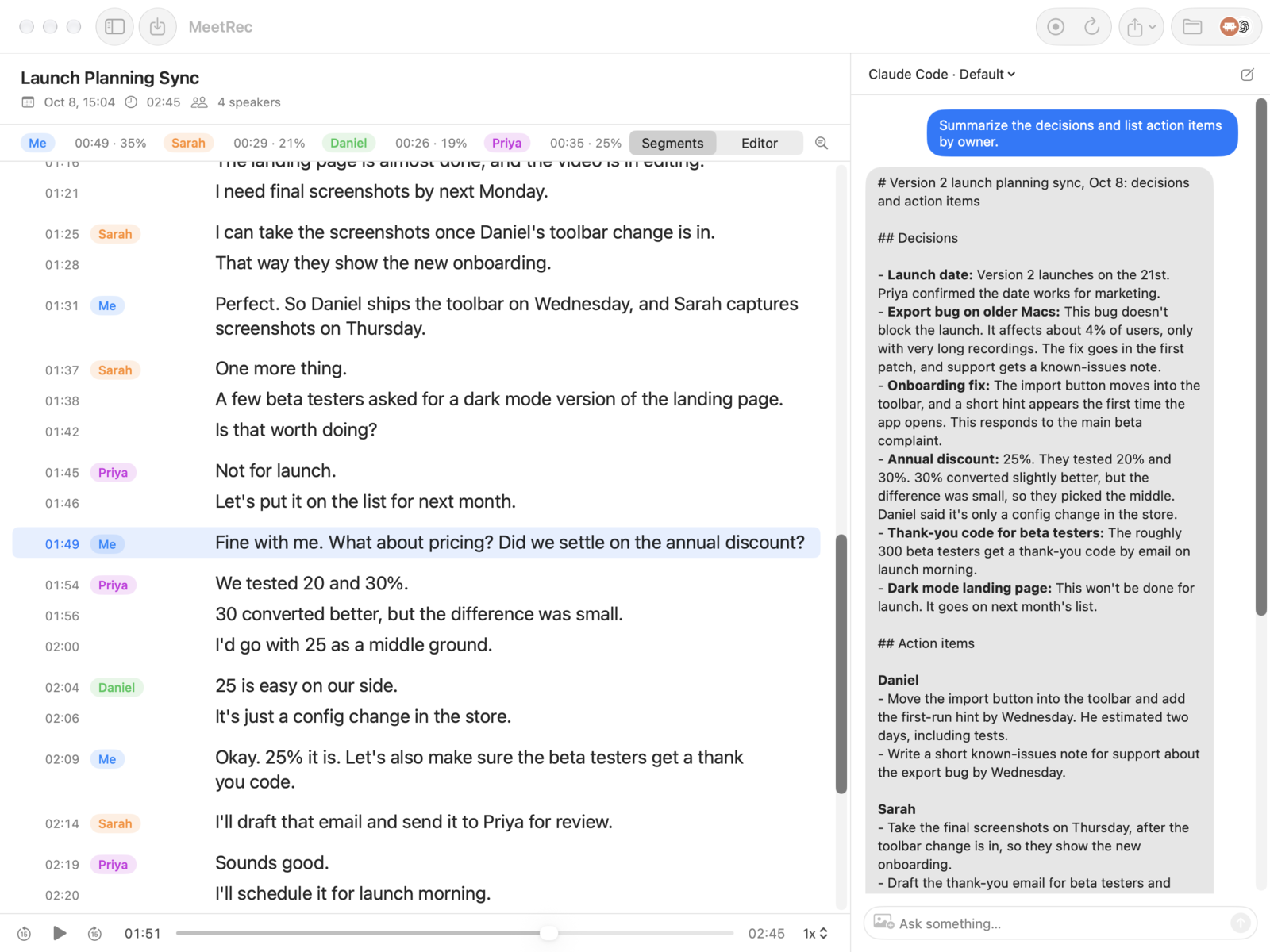
 Claude Code
 Codex
Codex